
 Phone:
  Email:
  WhatsApp:
 Description
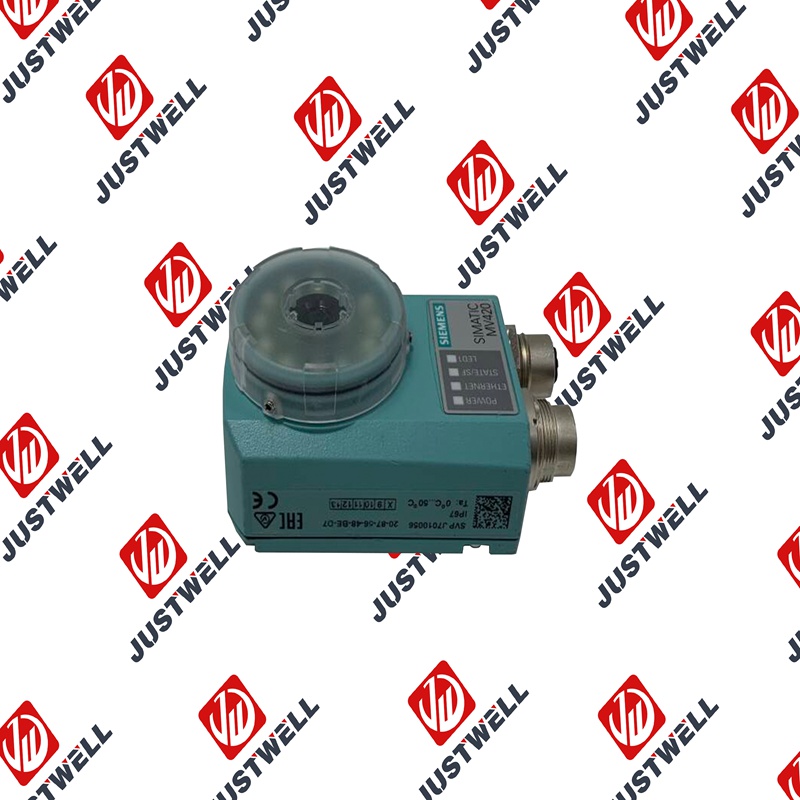
3RW4423-1BC44 SIEMENS Simulation output module
Product Dimensions:
Product Description
A Siemens Simulation Output Module (sometimes referred to as a “Dummy Output Module” or “Simulating Output”) is a specialized module used primarily during the development, testing, and commissioning phases of an automation project. Unlike standard Output Modules which drive actual field devices, this module allows control system programmers and testers to simulate the output status without connecting external wiring or power to a real load.
Typically, these modules are equipped with physical switches (e.g., toggle switches or sliders) on the front face, allowing a user to manually set the binary (ON/OFF) or analog value that the I/O module will report to the PLC’s Processor Module. This capability is essential for confirming the correctness of the PLC program logic and diagnostics before the physical machinery is operational.
Product Parameters
The specifications for a Simulation Output Module relate to its physical interface and compatibility:
| Parameter | Description |
| Simulated Channels | The number of output points (or channels) on the module that can be manually simulated (e.g., 8, 16, or 32 digital points). |
| Output Type | Typically simulates Digital Output (DO) points, though specialized modules may simulate Analog Output (AO) feedback. |
| Switch Type | The physical mechanism for simulation, such as rocker switches (for momentary/maintained digital status) or potentiometers (for analog values). |
| Compatibility | Must match the system’s bus interface (backplane) and physical form factor (e.g., size and connector type) of a standard I/O module. |
| Indicator LEDs | Integrated light-emitting diodes (LEDs) that clearly show the status currently being simulated (ON/OFF) for each channel. |
| Connection Method | Usually features the same terminal arrangement as a standard output module, but the terminals are electrically isolated/unused for field wiring. |
Product Advantages
-
Program Validation: Allows comprehensive testing and debugging of the PLC control logic (including sequence control, interlocks, and timing) in a safe, controlled environment without the risk of damaging machinery.
-
Early Commissioning: Enables virtual commissioning and Factory Acceptance Testing (FAT) to begin long before field wiring is complete or machinery is installed.
-
Training Tool: Provides a practical, hands-on tool for training maintenance personnel and operators on the PLC program and system behavior without requiring access to a live, running production system.
-
Troubleshooting Aid: Can be temporarily substituted for an actual output module to quickly confirm if a reported fault is due to faulty field wiring/actuator or an issue with the module itself.
-
Ease of Use: Provides a quick and intuitive physical interface for manipulating outputs, which is faster than modifying data values within the engineering software.
Important Precautions
-
Clear Labeling: When using a simulation module, ensure it is clearly labeled and physically secured to prevent accidental substitution with a live I/O module, which could introduce safety risks.
-
Temporary Use: Understand that these modules are for simulation only. They must be replaced with the correct, fully wired Output Module before the system is put into live production.
-
No Power Handling: The terminals on the simulation module are generally not rated or intended to handle external load power. Do not attempt to wire any field devices to them.
-
Analog Simulation Accuracy: If simulating analog outputs, note that the accuracy of the value set by a manual potentiometer may be lower than the accuracy of the actual field signal, and is used primarily for functional testing.
-
Integration with Software: Ensure the engineering software recognizes the presence of the simulation module correctly, as some systems require specific configuration to accept simulated values.
Product Applications
Simulation Output Modules are employed across the project lifecycle, particularly in areas focused on verification and training:
-
Software Testing: Testing all state transitions and fault handling routines in the PLC program, such as ensuring a motor starter logic correctly transitions through a sequence of steps.
-
Debugging Complex Interlocks: Manually setting the state of critical outputs (e.g., enabling power, releasing a brake) to test complex logical conditions within the program.
-
Operator Interface Testing: Verifying that Human-Machine Interface (HMI) screens and SCADA systems correctly display the status of simulated outputs and respond appropriately to changes.
-
Sequencing Validation: Stepping through complex machine sequences by manually changing the simulated output status that would normally be driven by the PLC.
-
Maintenance Training: Allowing trainees to observe the direct effect of controlling outputs on the PLC logic and status indicators without operating expensive or hazardous machinery.
Shipping Port: Xiamen, China
Payment: Bank of Chicago, Bank of Singapore
Express cooperation: fedex, DHL, UPS and your express account
Service: Professional Sales provides 24 hours /7 days online service
Please make an inquiry for more models:
| 6GK5206-1BC10-2AA3 | SIEMENS | 6SE6400-0AP00-0AA1 | SIEMENS |
| 6ES7193-0CB20-0XA0 | SIEMENS | 6XV1840-3AH10 60m | SIEMENS |
| 6ES7323-1BH01-0AA0 | SIEMENS | QMX2.P33 | SIEMENS |
| 16137-175 | SIEMENS | PXC100-E96A | SIEMENS |
| 6GK443-1EX30-0XE1 | SIEMENS | 5SX2102-7 | SIEMENS |
| 6EP3331-6SB00-0AY0 | SIEMENS | 3ZX1012-ORTO2-1AA1 | SIEMENS |
| PXC50-E.D | SIEMENS | 6ES7151-1BA02-0AB0 | SIEMENS |
| 6AV2124-0QC24-1AX0 | SIEMENS | 6FX2001-6AA12-2AA5- 1 | SIEMENS |
| 6SL31201TE285AA3 | SIEMENS | 6ES7195-7HB00-0XA0 | SIEMENS |
| 6SL31622BM000AA0 | SIEMENS | 6SL34202TE150AA1 | SIEMENS |
| 6SE7972-0CB20-0XA0 | SIEMENS | 6SL3053-0AA00-3AA1 | SIEMENS |
| 3RX9307-1AA00 | SIEMENS | 6AV2124-0JC01-0AX0-ZA01+S00 | SIEMENS |
| 3RK1903-3AC00 | SIEMENS | QRA75.A17 | SIEMENS |
| 6GK5992-1AG00-8AA0 | SIEMENS | 3RT1054-1AT36 | SIEMENS |
| 6GK5980-3CB00-0AA1 | SIEMENS | 7MF4033-1DA10-1AC6-Z | SIEMENS |
| 6AG4141-0BA34-0EA0 | SIEMENS | 6AV8100-1CB00-0AA1 | SIEMENS |
| 5SU1324-7FA06 | SIEMENS | 3VL1705-1DA33-0AB1 | SIEMENS |
| 6SE7011-5EP50-Z | SIEMENS | 6SA8252-0BC83 | SIEMENS |
| 6DR2803-8P | SIEMENS | 6SN1124-1AB00-0HA1 | SIEMENS |
| FK-6DR4004-8J | SIEMENS | AK1703ACP | SIEMENS |
| 6SL3210 -1SE31-0UA0 | SIEMENS | 6SL3225-0BH27-5AA1 | SIEMENS |
| 6AV6645-0DE01-0AX1 | SIEMENS | 3TY7530-0A | SIEMENS |
| 6XV1870-8AN30 | SIEMENS | 3UG4512-1AR20 | SIEMENS |
| 3SE5132-0CJ82 | SIEMENS | 7SJ8021-5EB90-1FA0/DD | SIEMENS |
| 3RT1046-1BB44 + 3RH1921-1HA22 | SIEMENS | 3RH2911-1HA02 | SIEMENS |
| 3TF4522-0XM0 | SIEMENS | 6ES7288-1CR40-0AA0 | SIEMENS |
| 6AV2128-3UB06-0AX1 | SIEMENS | 6SE7090-0XX84-3EH0 | SIEMENS |
| 6SL3220-3YE30-0UF0 | SIEMENS | 6ES7135-0HF01-0XB0 | SIEMENS |
| 6SL3220-1YE34-0UF0 | SIEMENS | 6AG1134-4GB01-2AB0 | SIEMENS |
| TXM1.4D3R | SIEMENS | 6SC6508-4AA02 | SIEMENS |
| TXM1.6R | SIEMENS | 6SL3130-7TE25-5AA3 | SIEMENS |
| PXC4.E16 | SIEMENS | 8PQ9142-2AA04 | SIEMENS |
| QBM3120 | SIEMENS | 6ES7-214-1BD23-0XB8 | SIEMENS |
| TXS1-EF10 | SIEMENS | PXG80-N | SIEMENS |
| 6AG1231-4HD32-4XB0 | SIEMENS | 6GK51011BB002AA3 | SIEMENS |
| QVE1901 | SIEMENS | 6AG1137-6AA00-2BA0 | SIEMENS |
| QPA1004 | SIEMENS | 6EP1334-1AL11 | SIEMENS |
| GLB161.1E | SIEMENS | 6FX8002-2DC10-1EA0 | SIEMENS |